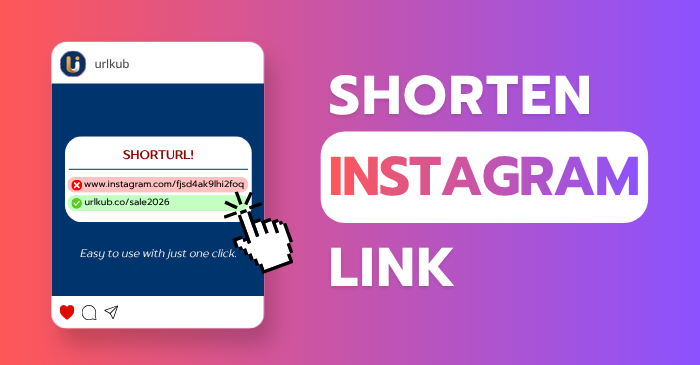
Shortening Instagram (IG) links is easy, just one click!
25/04/2026
beer
24
IG
Shortening Instagram (IG) links is easy, just one click!
If you are a content creator on Instagram (IG) or run a business on this platform, you already know that “space” is extremely valuable—especially in your Bio or Stories, where you want people to click through to the next step.
The problem is that long URLs often look untrustworthy and take up too much space.
This article will help you understand the importance of shortening links for Instagram and how to do it effectively.
Why Should You Shorten Links for Instagram?
Using long, messy URLs filled with strange characters (such as $?utm_source=...) doesn’t just look cluttered—it can also reduce your followers’ trust. Here’s why link shortening is essential:
- Clean and professional appearance : Instagram is a highly visual platform. Short, clean links make your Bio look more polished and professional.
- Save valuable space : With limited character space in your Bio, shortening links gives you more room for compelling copy or calls to action.
- Performance tracking : Most link shorteners provide analytics, allowing you to see where clicks come from, when they happen, and how many people clicked—critical data for marketing decisions.
- Custom branding : Instead of random characters, you can use your brand name in the URL, such as
urlkub.co/YourBrand, which boosts credibility.
Popular Link Shortening Tools
- URLkub – A Thai-made URL shortener that turns long links into short, easy-to-share ones.
- Bitly – The most popular option worldwide, easy to use with detailed analytics.
- TinyURL – Focuses on speed and simplicity; no registration required, and links never expire.
How to Use Links on Instagram for Maximum Clicks
- Link in Bio : Instagram allows only one clickable link in your profile (except in Stories). Tools like Linktree or Beacon let you combine multiple links into a single landing page. Simply place the shortened link to that page in your profile’s Website field.
- Instagram Stories : Use the Link Sticker feature and paste your shortened link. The advantage is that you can customize the sticker text with a clear call-to-action (CTA), such as “Shop Now” or “Read More”.
- Direct Messages (DMs) : Short links look far more trustworthy in DMs compared to long URLs, which can resemble spam or malicious links.
Important Precautions When Shortening Links
- Security : Avoid unfamiliar or unreliable link-shortening services, as they may be flagged as spam and could put your account at risk.
- Always test before posting : Click the link yourself every time to ensure it works correctly and directs users to the intended page.
URLkub — Shorten links easily, for free, and they never expire!
- Fast and simple link shortening — Just paste your link and get a short URL instantly.
- Detailed click analytics — Track the number of clicks, sources, times, and devices used.
- Custom short links — Create meaningful or branded links that fit your purpose.
- Use your own domain (Branded Domain) — Build credibility and enhance your professional image.
- Perfect for businesses and digital marketing — Monitor campaign results, share links on social media, and understand your target audience better.
👉 Try shortening links for free at urlkub.com